We rebuilt the locks on your journal

Three locks now protect your journal. Plus five updates that make Life Note yours — and a way to bring your history from ChatGPT, Claude or Kin.
If you wish to read in the browser or in 繁體中文, scroll down.
Dear Life Noters,
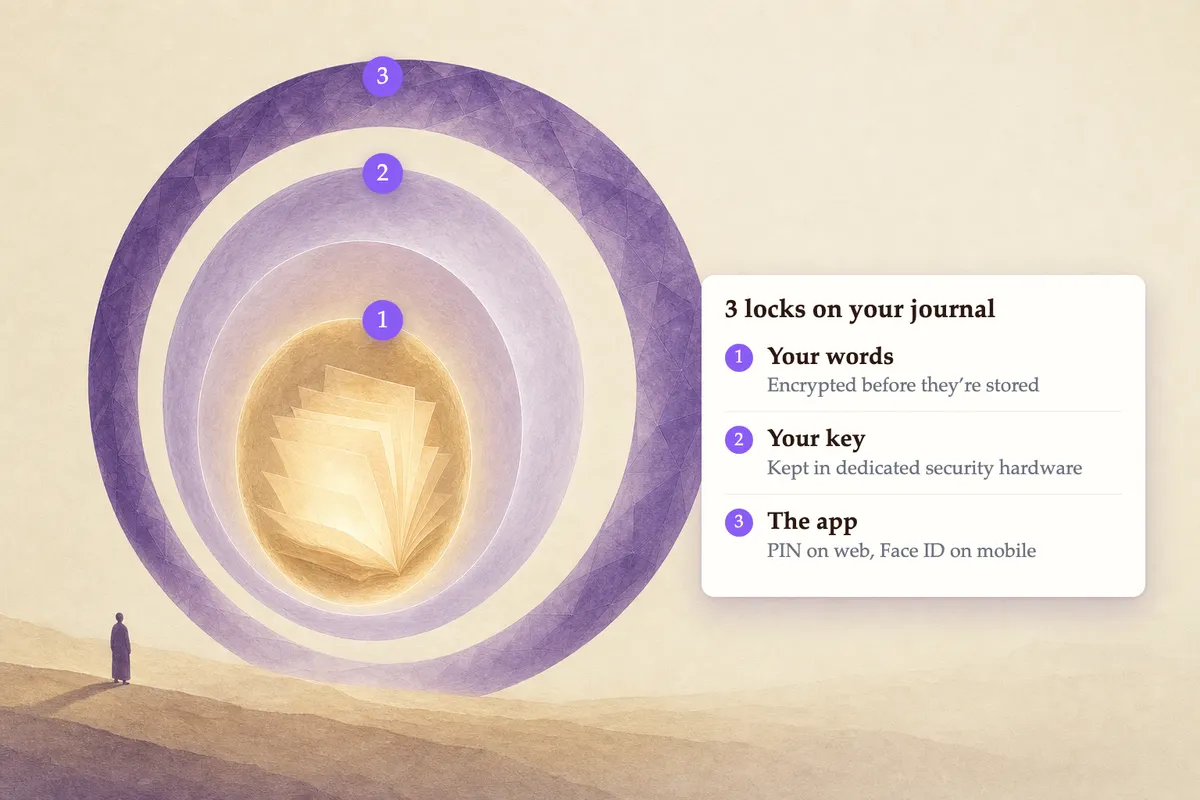
In the last month, we rebuilt our security system to make your journal entries much safer. Your journal entries are now protected by 3 locks:
- Your words are locked. Every entry is encrypted before it is stored. And every Life Note account has its own encryption key. Without the key, it is unreadable noise.
- The key is locked too. Your account's key is itself encrypted by a master key that never leaves dedicated security hardware. That hardware is purpose-built so the raw master key cannot be extracted, even by the people operating it, and every use of it is written into an audit trail. We use Amazon's AWS Key Management Service.
- The app is locked. A PIN on the web, your fingerprint or face on mobile—so the person holding your unlocked phone still isn't holding your journal.
We take security and privacy very seriously in Life Note, as we build for a future where humans can have a healthy relationship with AIs, and we know trust is the core prerequisite for that relationship.
5 Updates That Make Life Note Yours
Here are the updates to help you make your Life Note more personalized than before!
The joy of building your own wisdom council
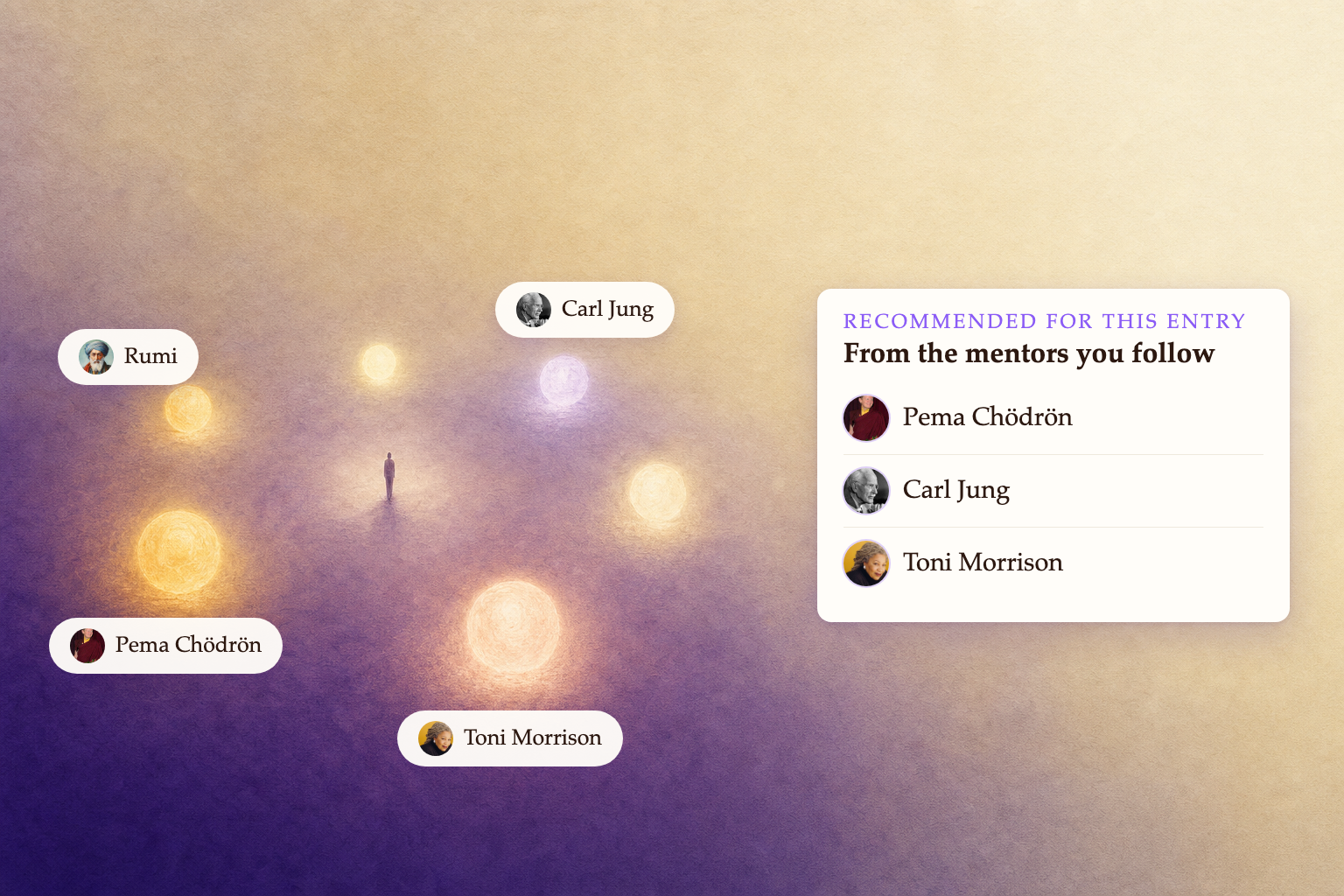
First, you can now get mentor recommendations only from the mentors you follow. It's a feature I use daily now, perfect for when you want to go deeper with the councils you specifically built for your current stage of life.
Create your rituals to get into the right mindset at the right time
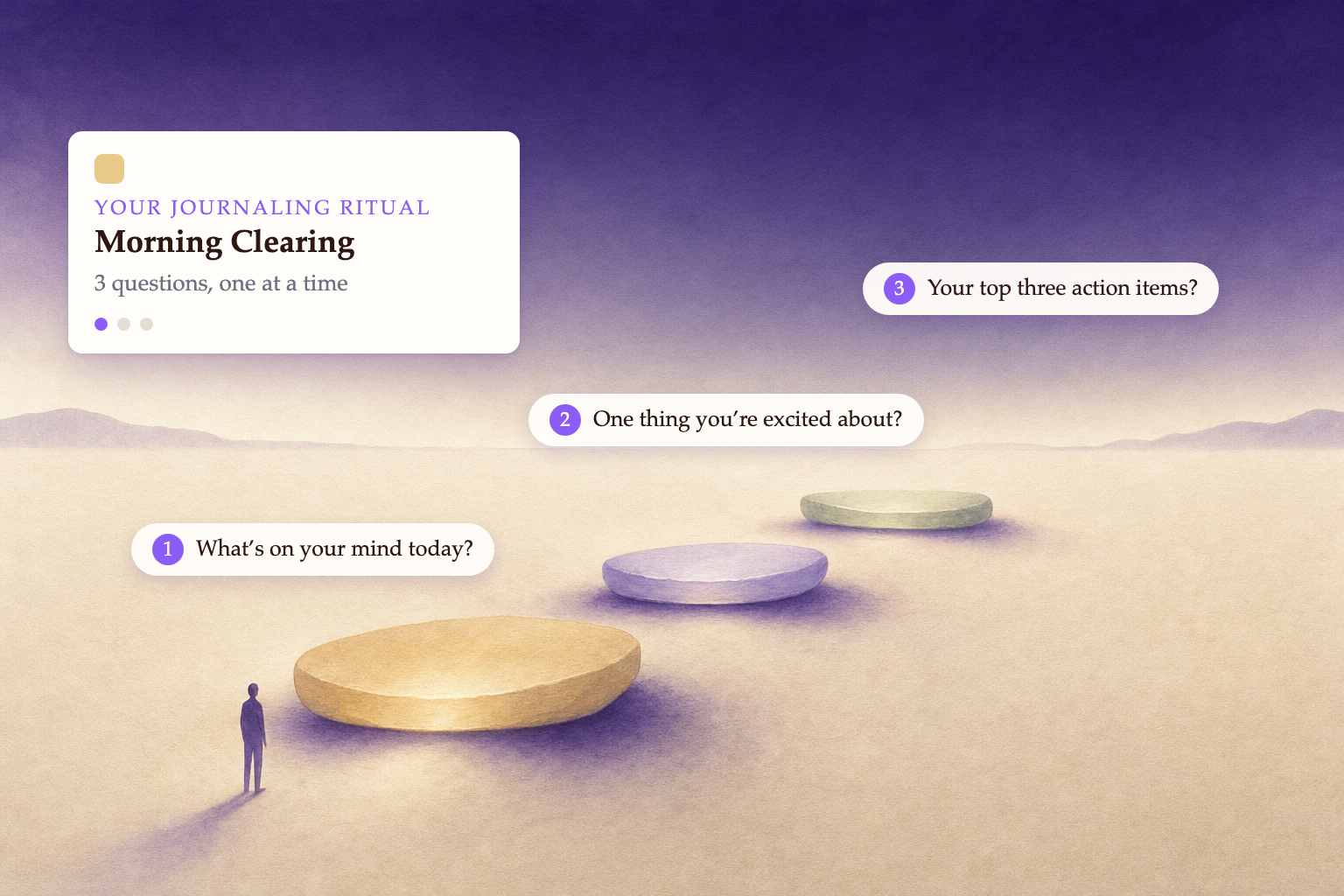
Second, you can now build your own journaling rituals. A ritual is a journaling practice designed for a specific occasion.
For example, you can design a morning ritual to have your main mentor ask you a series of questions in the morning:
- What's on your mind today?
- One thing you're excited about?
- Your top three action items?
You can also design where you want your mentors to focus when responding, whether to help you sort through your priorities, reframe your viewpoints, or identify emotions and patterns.
Give feedback to everything
If you've updated to the latest version, you'll be able to give a 👍 or 👎 to everything—journal, chat, weekly letter, and inner portraits. The feedback you give will make Life Note more yours. Try marking an artwork "not my style," and that whole style family stops showing up in your art. Tell us a mentor wasn't right, and we'll quietly demote them.
Read better by setting your font sizes
On the web, you can now easily adjust the font sizes, whether it's a journal response or in the chat.
Migrate Your Journal Entries to Life Note
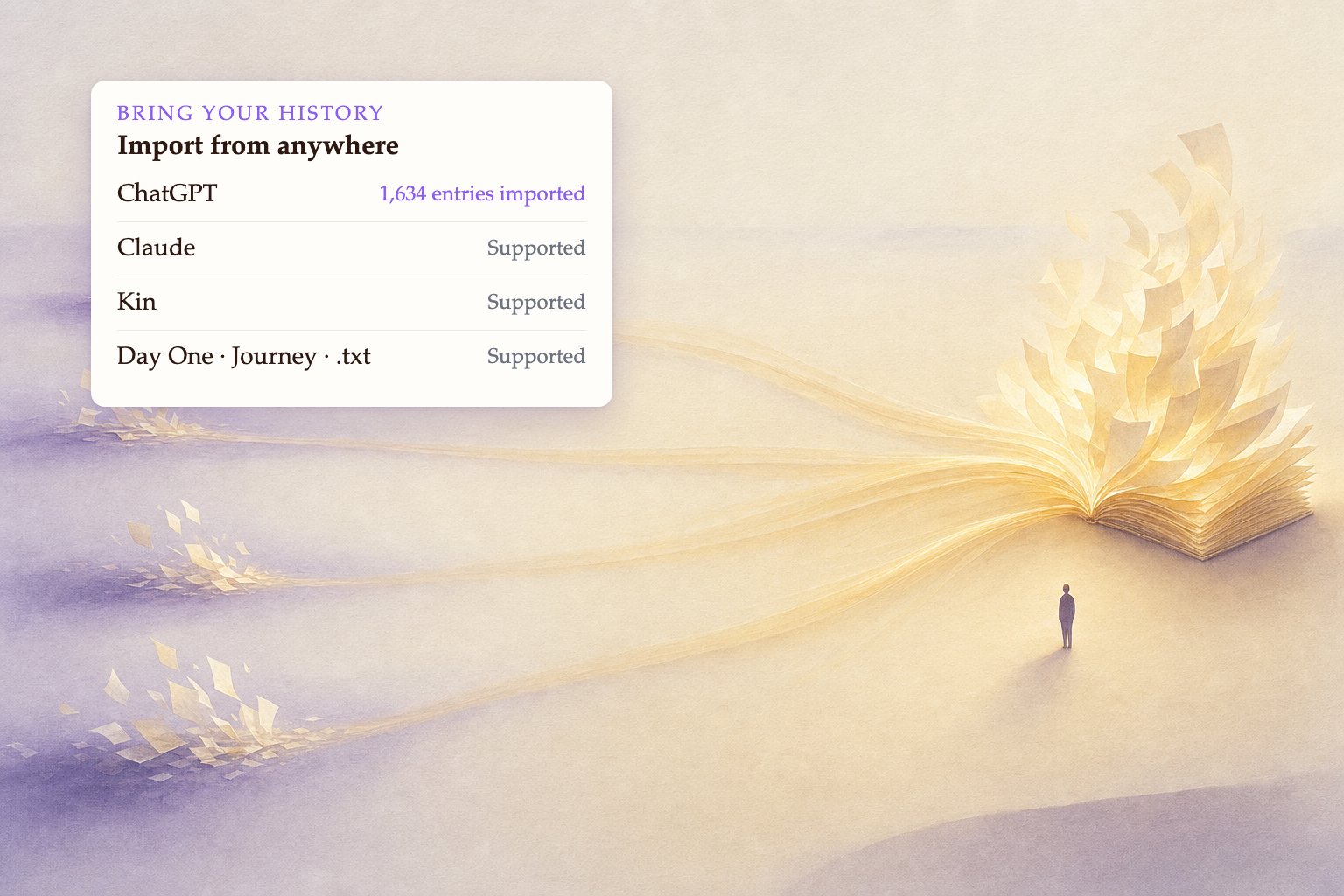
We've built AI agents that'll help you migrate your entries from almost anywhere. One user recently brought a ChatGPT archive with more than 1,000 entries into Life Note, separating their ChatGPT work to create a dedicated reflection layer in Life Note.
What we are seeing is that people are realizing that ChatGPT or Claude might not be best suited for mental health, as these AI personal assistants sometimes might do too much to help. One of our users even told us she was gaslit by an event her ChatGPT fabricated. Our design at Life Note is based on the idea that mentors will only help you see and ask better questions, rather than trying to be in the driver's seat of your life.
So if you still have your history somewhere else — Kin, ChatGPT, Claude, Day One, Journey, or a text file you've dragged between four computers — you can bring them over here now. (And export/delete them whenever you want, or connect them to other AIs for your purposes)
Two more places to find us between letters. Every Sunday we share the week’s art in our Discord — it’s quietly become my favourite thread in there. And on Instagram, we post timeless life wisdom most days. Come say hello.
Alright, that's everything we have for now. Until next time : )
Namaste,
Daniel W. Chen | Founder of Life Note
我們重新打造了你日記的鎖
親愛的 Life Noters,
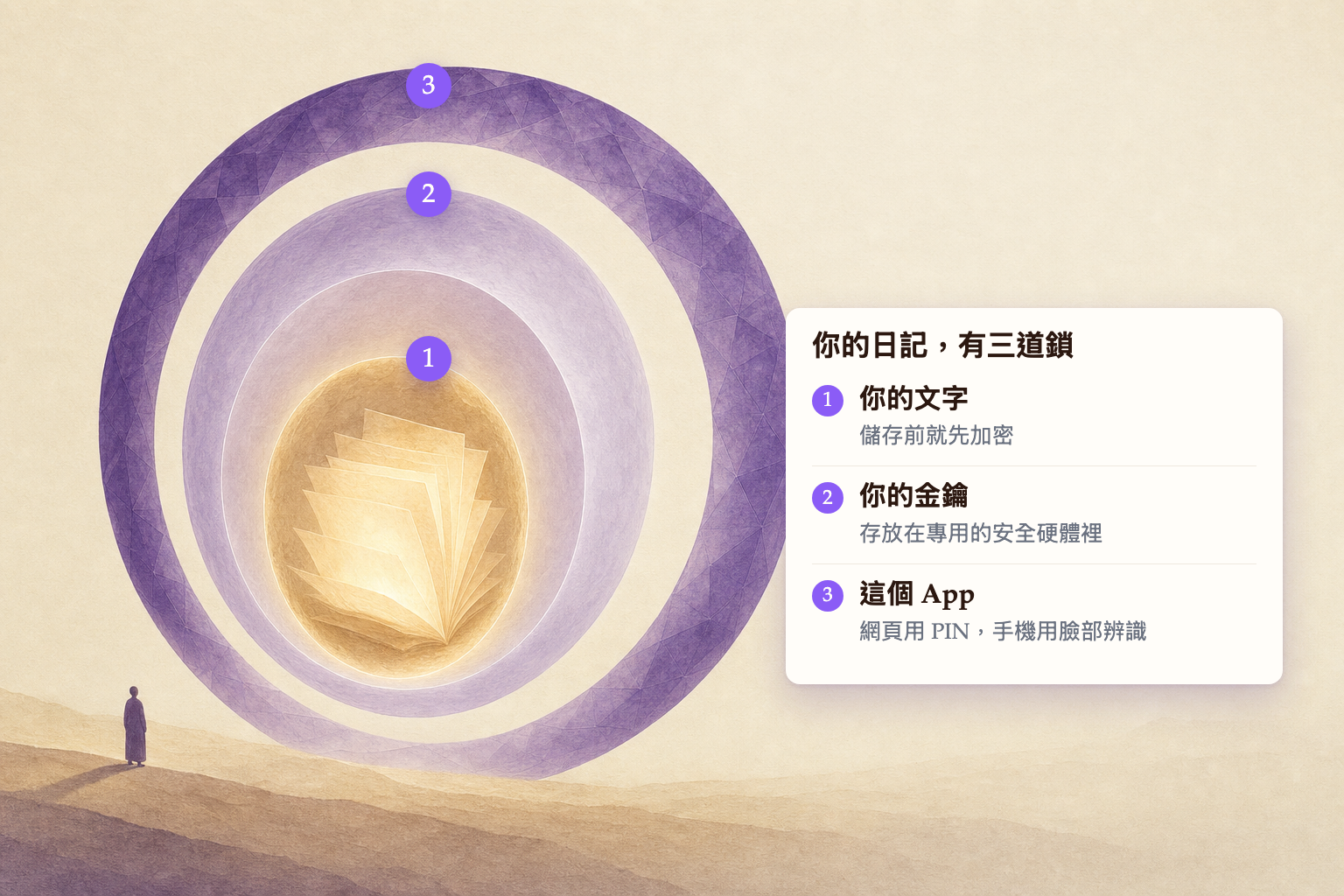
這個月,我們重建了整套安全系統,讓你的日記變得更安全。你的日記現在由 3 道鎖保護:
- 你的文字被加密保護著。 每一篇日記在儲存前都會先加密,而且每一個 Life Note 帳號都有自己專屬的加密金鑰。沒有這把金鑰,內容就只是一堆無法解讀的雜訊。
- 金鑰本身也被鎖住了。 你帳號的金鑰,是由一把永遠不會離開專用安全硬體的主金鑰所加密的。那套硬體的設計讓原始的主金鑰無法被取出,連操作它的人也拿不到;而它的每一次使用,都會寫進稽核紀錄。我們使用的是 Amazon 的 AWS Key Management Service。
- App 也被鎖住了。 網頁版可以設定 PIN 碼,手機版則是指紋或臉部辨識 — 所以就算有人拿著你已經解鎖的手機,也還是拿不到你的日記。
在 Life Note,我們非常重視安全與隱私。我們想打造的,是一個人類能與 AI 建立健康關係的未來,而我們知道,信任是這段關係最根本的前提。
讓 Life Note 更貼近生活的 5 項更新
以下這些更新,能幫你的 Life Note 更懂你。
打造屬於自己的智慧團隊,是一件充滿智慧與喜悅都事
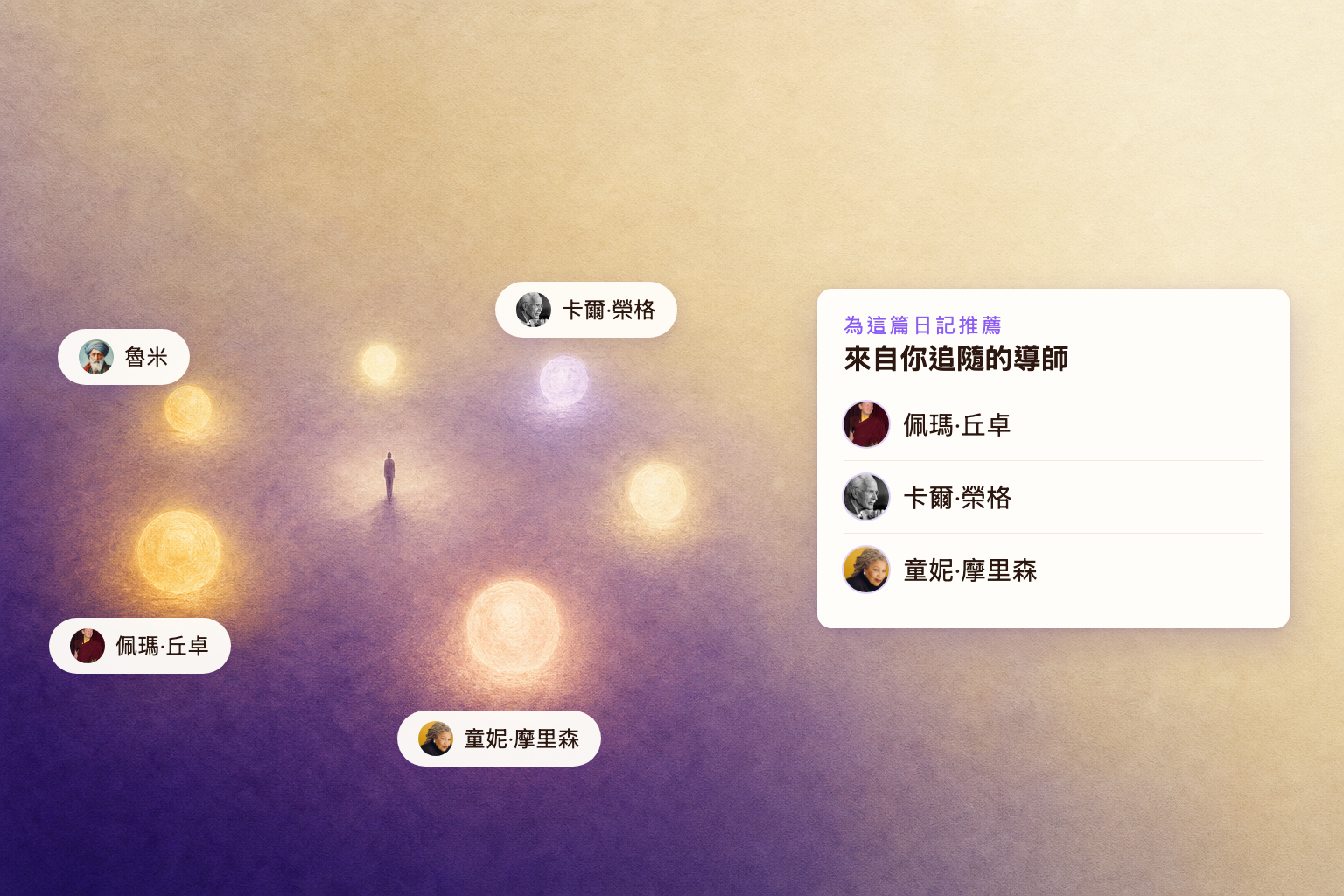
第一,你現在可以只從你追隨的導師之中獲得推薦。 這是我現在很常使用的功能,特別適合當你有意識的組件了目前人生階段適合的導師團隊時。
建立你自己的日記儀式,在對的時間進入對的狀態
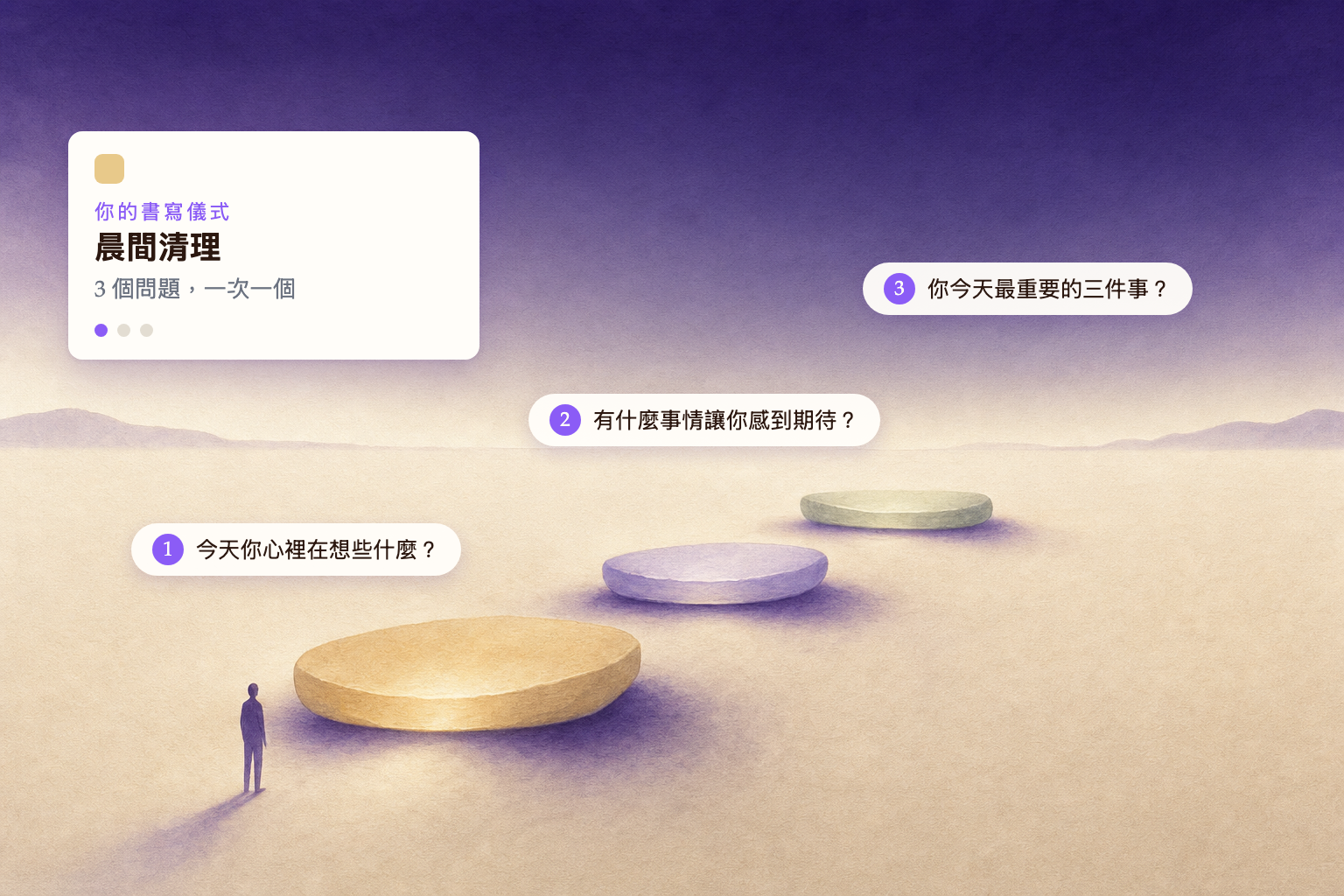
第二,你現在可以建立自己的日記儀式。儀式是一種為特定時刻設計的書寫方式。
舉例來說,你可以設計一個晨間儀式,讓你的主導師在早上問你一連串問題:
- 今天你心裡在想些什麼?
- 有什麼事情讓你感到期待?
- 你今天最重要的三件事?
你也可以設定導師回應時要把重點放在哪裡 — 幫你理清眼前的優先順序、幫你換個角度看事情,或是幫你辨識情緒與模式。
對每一樣東西給回饋
如果你已經更新到最新版本,你可以對所有東西按 👍 或 👎 — 日記、聊天、每週信,還有內觀畫。你給的回饋,會讓 Life Note 更像你的。試著把一幅畫標成「不是我的風格」,整個風格家族就不會再出現在你的畫裡。告訴我們某位導師不適合,我們就會悄悄把他降位。
調整字級,讀起來更舒服
在網頁版,你現在可以輕鬆調整字級 — 不管是日記的回覆,還是聊天畫面。
把你的日記搬到 Life Note
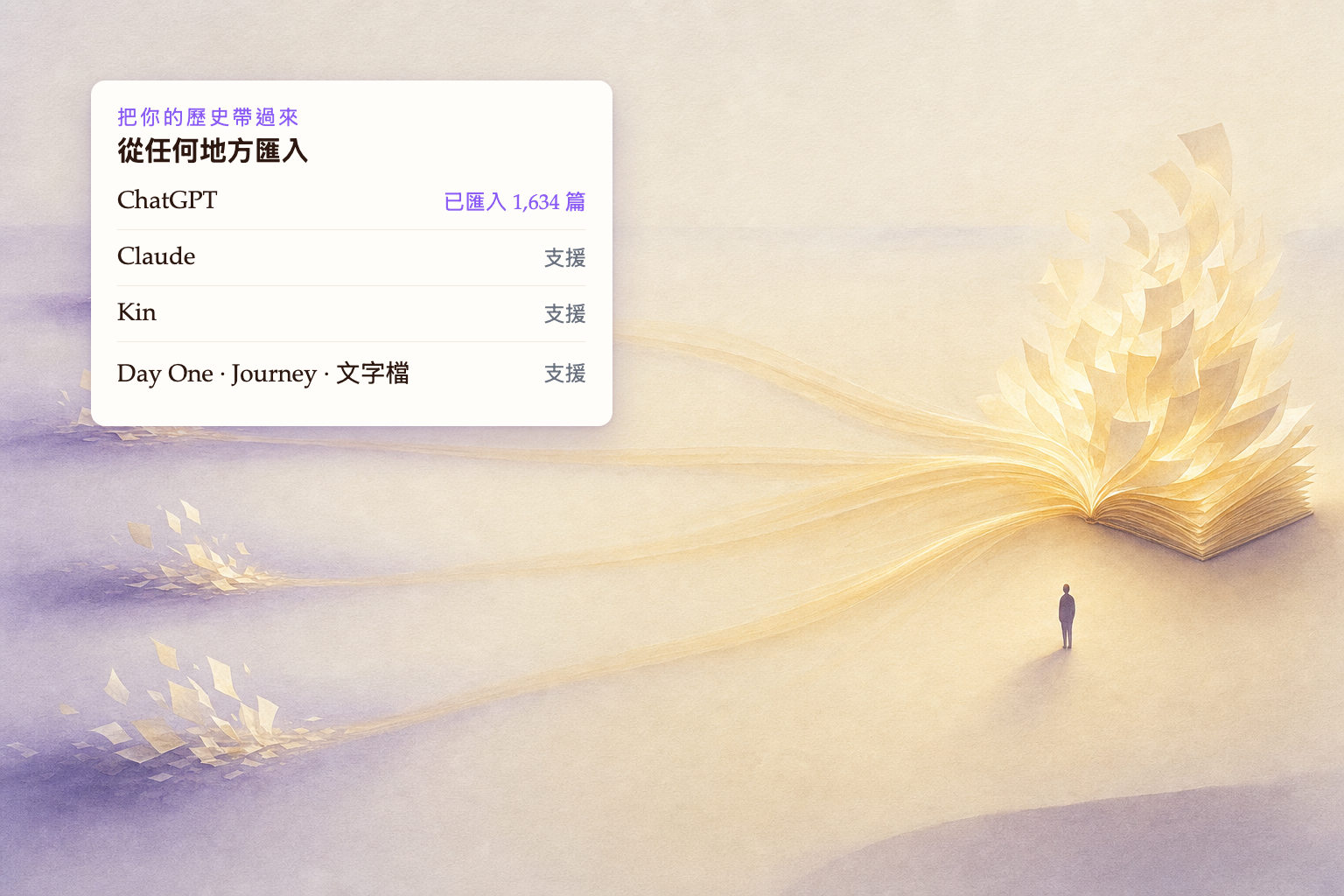
我們打造了 AI agent,可以幫你把日記從幾乎任何地方搬過來。最近就有一位使用者,把超過 1,000 篇的 ChatGPT 存檔帶進了 Life Note — 他把 ChatGPT 上的工作分開,讓 Life Note 成為一個專門用來反思的地方。
我們看到的是:愈來愈多人發現,ChatGPT 或 Claude 可能並不那麼適合用來照顧心理健康,因為這些 AI 個人助理有時候太想幫忙了。甚至有一位使用者告訴我們,她被自己的 ChatGPT 捏造出來的事件誤導了。Life Note 的設計出發點是:導師只幫你看見、也幫你問出更好的問題,而不是坐上你人生的駕駛座。
所以,如果你的歷史還放在別的地方 — Kin、ChatGPT、Claude、Day One、Journey,或是一個你在四台電腦之間搬來搬去的文字檔 — 現在你可以把它們帶過來了。(而且你隨時都可以匯出或刪除,也可以把它們連接到其他 AI 上使用)
兩個在信與信之間可以找到我們的地方。每個星期天,我們會在 Discord 分享這一週的內觀畫 — 那已經悄悄成為我最喜歡的一區。而在 Instagram,我們幾乎每天都會分享歷久彌新的人生智慧。歡迎來打聲招呼。
好了,這次就先到這裡。下次見 : )
Namaste,
Daniel W. Chen | Life Note 創辦人

Journal with 1,000+ of History's Greatest Minds
Carl Jung, Marcus Aurelius, Lao Tzu: replies grounded in their original works, each citing its source. Co-developed with a licensed psychotherapist.
Try Life Note Free